
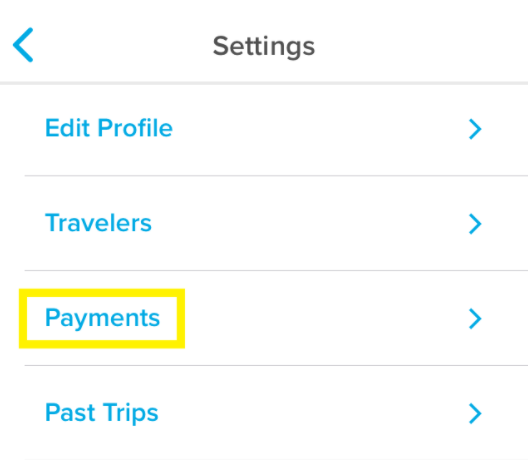
To add a new form of payment, tap on "Payment" under your settings. From here, you can either type out your card information manually, or take a picture of your card which will automatically scan the numbers. Don't worry if you see a temporary $1 charge from Hopper after this, it is an authorization to make sure that the credit card is valid and will be automatically reversed back into your account.
How to remove a payment method
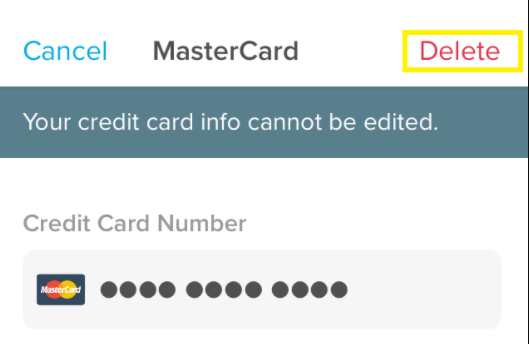
You can remove a form of payment in the same place! Select "Payments" in your settings and then tap on the card you'd like to delete. Press the red "Delete" button to remove it from your Hopper account.
Comments
0 comments
Please sign in to leave a comment.